A sales team starts the quarter with 5,000 target accounts, half the records missing work emails, outdated job titles scattered through the CRM, and duplicates created every time a list gets imported. Buying more contacts won't fix that. The missing work is deciding which records matter, filling only the fields needed for qualification and contact, verifying what's returned, and stopping bad data from re-entering the system.
That's the lens for comparing data enrichment tools: not feature count, but the job each one does in an outbound workflow. Some tools find contacts from scratch. Some maintain CRM records. Some run waterfall enrichment, querying several providers in sequence. Others exist mainly as an API or as a service that builds the whole pipeline.
Pricing follows the job. A low headline price means little if credits burn on failed matches, phone lookups cost far more than emails, or a second verification tool is still needed before sending. Cost per usable record, meaning a relevant contact that passes verification, is the number that matters.
The nine options and one category page below are judged on that basis, with their limits stated as plainly as their strengths. A short test plan at the end shows how to shortlist two or three and compare them on real records before committing.
1. Category - Data Enrichment
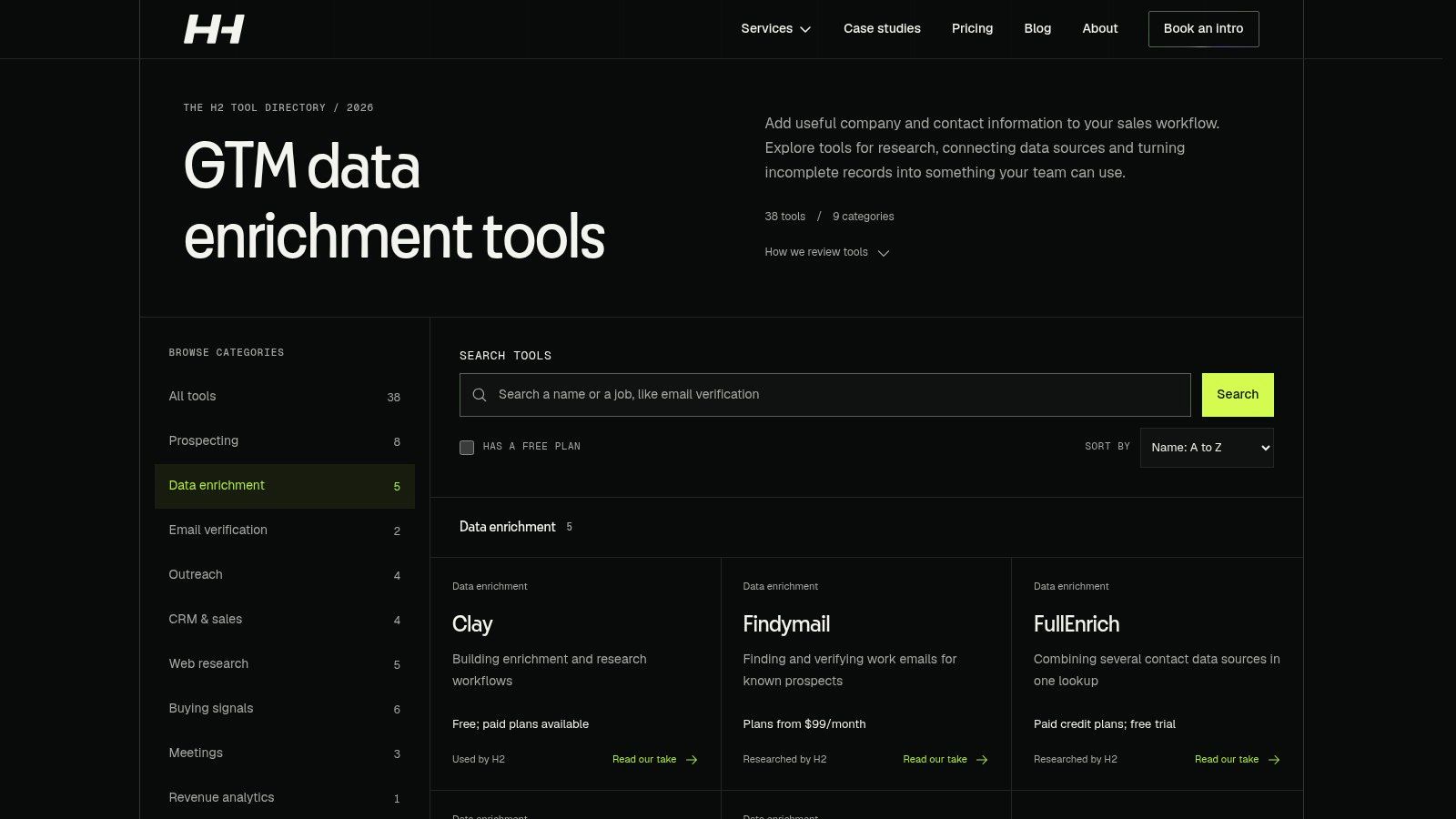
H2's Data Enrichment category page isn't a standalone tool. It sits inside broader B2B go-to-market work, where prospect data gets improved so teams can identify and prioritise accounts that fit their offer. The underlying idea is explained in H2's guide to what data enrichment is.
The practical difference is scope. Instead of appending fields to a list and handing it back, enrichment can combine company websites, job postings and technology information with Clay, AI workflows and custom systems, then feed qualification rules and CRM handoffs. That matters because poor data is expensive well beyond missing fields. IBM estimated in 2016 that poor-quality data cost the US economy approximately $3.1 trillion annually, according to a summary of data entry error statistics, reflecting time spent discovering, correcting and working around unreliable information.
Where It Fits and Where It Doesn't
- Strength: Enriched data connects to account prioritisation, qualification and outreach, not just list completion.
- Strength: Research criteria can be customized for a specific market and offer, drawing on varied company signals.
- Strength: Explainable rules, testing and documentation mean the system can be run after handover.
- Limit: The page gives no specific pricing, package or standalone enrichment deliverable, so scope has to be agreed directly.
- Limit: Public signals suggest fit. They don't prove buying intent on their own, and results depend on market and setup.
Teams building an outbound programme, or fixing a research bottleneck, are the natural audience. Teams that only need a quick email lookup should buy a tool instead.
2. Clay
Clay is a workflow platform rather than a database. Teams build enrichment tables that query multiple external providers in sequence, add AI research columns, apply conditional logic, and push results to a CRM. H2's guide to Clay data enrichment covers how those workflows are structured in practice.
The waterfall logic is the main reason to consider it. A single database typically matches only 50–75% of records on a real ideal-customer-profile list, whereas a provider waterfall can exceed 85% match coverage, according to a 2026 state of B2B data report. Match rate isn't validity, though. A returned email still needs verification before it counts as usable.
Claygent, Clay's AI research feature, handles questions standard providers can't answer, such as checking a company website for a specific service line or a recent change. That supports custom account qualification beyond job title and employee count.
The trade-off is ownership. Clay needs setup, provider selection, stopping rules to control credit spend, and ongoing maintenance when sources conflict. Costs depend heavily on workflow design, because actions and data credits add up per column. A free plan exists for small tests, which is the sensible starting point before any paid tier.
Practical rule: Build the waterfall so it stops at the first verified result. Running every provider on every row wastes credits and creates conflicting fields nobody resolves.
3. Apollo
Apollo combines a B2B contact and company database with prospecting, enrichment and sales engagement in one platform. Teams can search for contacts, enrich records through CSV, CRM or API workflows, and run sequences without moving data between tools. For smaller and mid-sized teams, that consolidation is the appeal.
Published pricing and a free plan make Apollo relatively easy to test compared with quote-based vendors. Enrichment runs on credits, though, so the cost depends on which actions get used and how often. Phone data typically consumes more credits than email, and large batch jobs can drain an allowance faster than expected. Buyers should map expected monthly volume against credit consumption before scaling up.
Waterfall enrichment and AI research features are available on eligible plans, which extend coverage beyond Apollo's own database. Coverage still varies by sector and geography, and no single database performs evenly across every market. A test on records from the actual target segment will show more than any headline database size.
The limit is breadth. Teams that only need CRM hygiene are paying for a sales engagement platform they may not use. Teams that do want prospecting and sending in one place get a coherent, if credit-sensitive, package.
4. Cognism
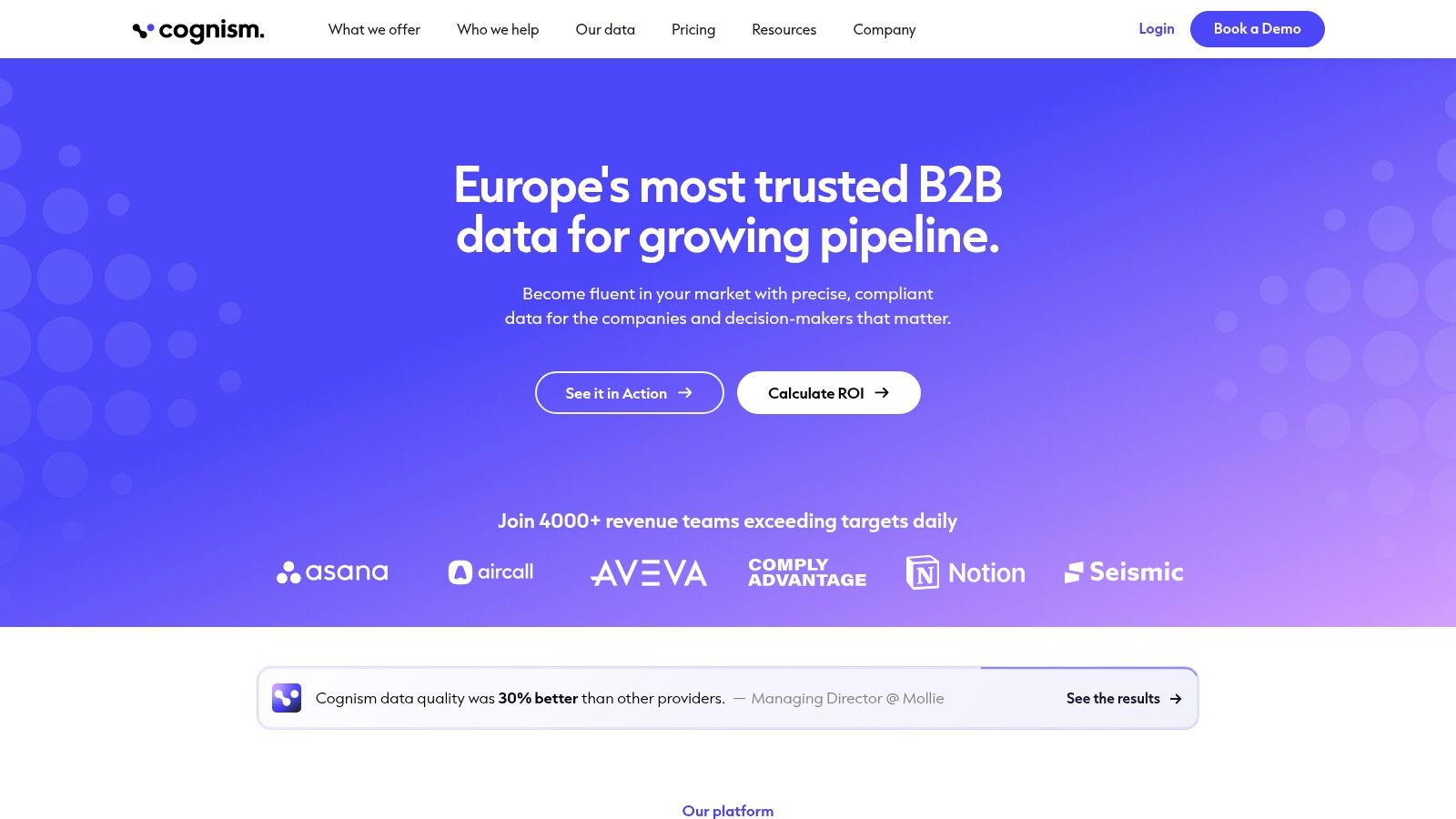
Cognism is a sales intelligence provider aimed at teams selling into the UK and Europe, with contact and company data covering emails, mobile numbers, job titles and work history. Search filters span firmographic, technographic and signal-based criteria. CRM enrichment can be bought separately or added to prospecting, which is useful when only one job needs doing.
Compliance is part of the pitch, and it isn't a soft consideration. The EU General Data Protection Regulation, applicable from 25 May 2018, requires in Article 5 of the GDPR that personal data be accurate, kept up to date where necessary, and limited to what's needed. Enrichment that adds fields without a clear purpose creates work and risk, particularly when records feed automated scoring or outreach to individuals.
Pro features include intent data and on-demand mobile verification. Mobile coverage is the differentiator Cognism leans on most, and teams running phone-led outbound in Europe will find that more relevant than raw email volume.
Pricing is quote-based, so there's no quick self-serve test. The feature set is also heavier than occasional lookups require. Accuracy should be validated against the buyer's own market during evaluation, not assumed from regional reputation.
5. Lusha
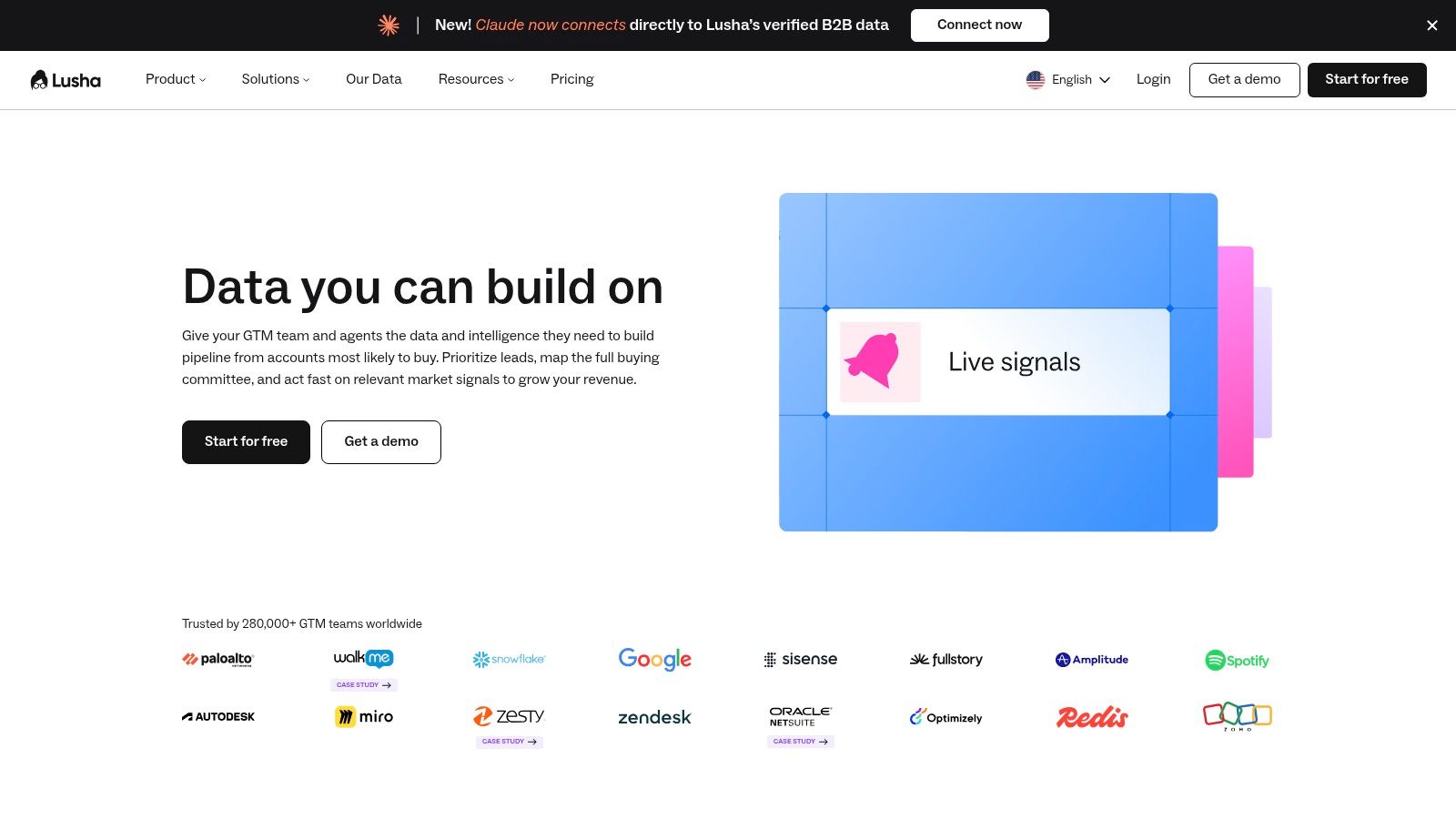
Lusha takes a more direct route. It's built for finding business emails, phone numbers and company information without designing a multi-step workflow first. A browser extension supports manual prospecting, while bulk and CSV enrichment on paid plans handles list work.
That simplicity suits individual reps and small teams doing daily prospecting. They look up a person, reveal contact details, and push the record to a CRM through an integration. There's no waterfall to configure and no provider order to maintain.
- Strength: A free tier and self-serve plans allow testing without an enterprise negotiation.
- Strength: The credit model and feature tiers are publicly described.
- Limit: Different data actions consume different numbers of credits, so phone-heavy use costs more than the headline plan suggests.
- Limit: Higher volume or multi-user use can push teams into a more expensive tier or a sales conversation.
API access, signals and webhooks sit on higher tiers, which matters if enrichment needs to plug into an existing system rather than stay in the browser. Coverage varies by country and industry, so a sample from the target market should be run before credits are bought in volume. Lusha is a sensible shortlist option when speed of lookup matters more than workflow control.
6. People Data Labs
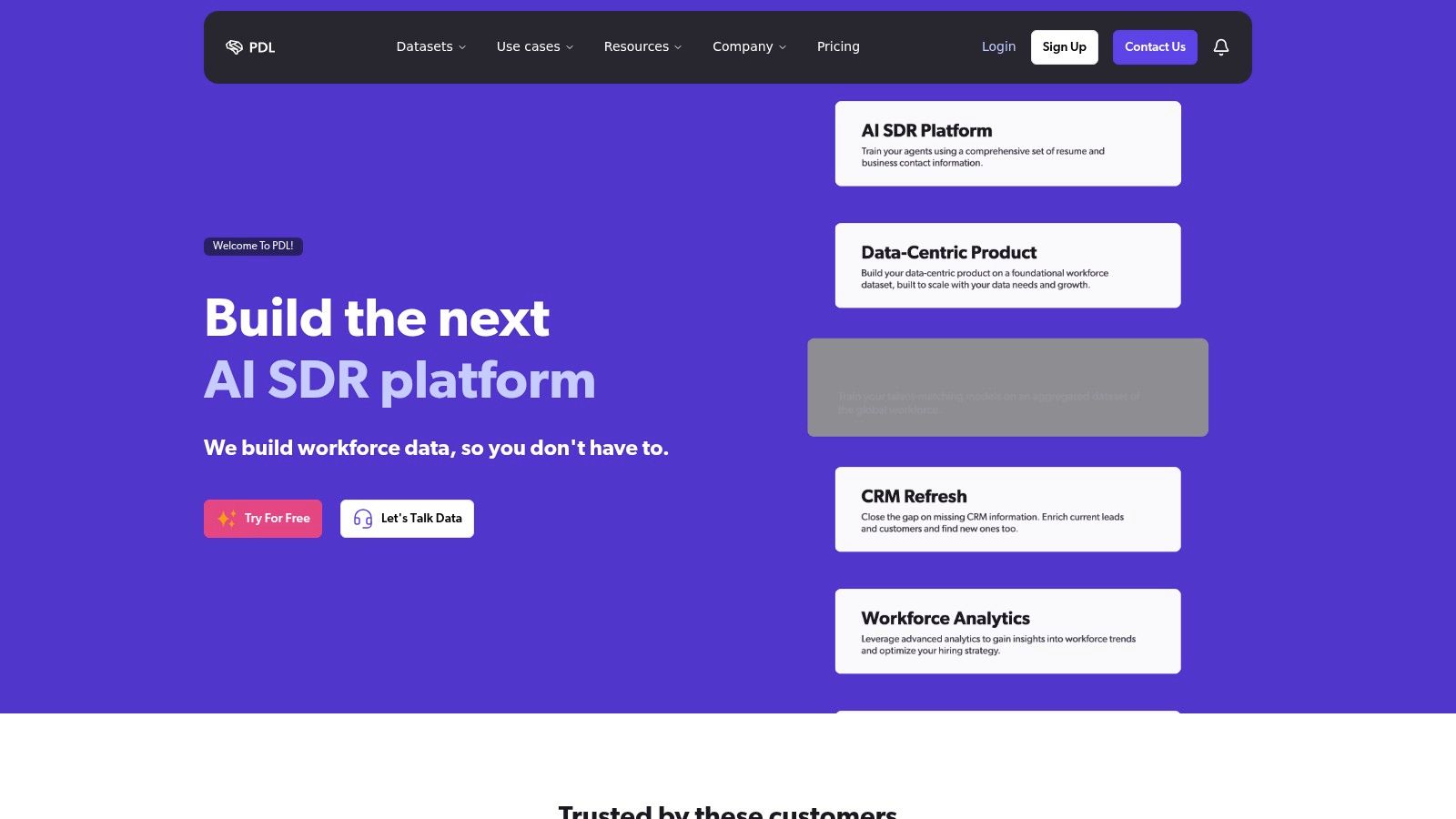
People Data Labs is a data source, not an outbound workspace. It provides person, company and IP enrichment APIs, plus search APIs, for teams building custom products or internal pipelines. There's no sequencer and no prospecting interface to speak of. The data goes wherever the engineering or RevOps team sends it.
That API-first design is the strength. Enrichment can be embedded in a CRM workflow, a scoring model or a product feature, with control over which fields get stored and refreshed. Bulk enrichment and CSV workflows are also available for teams that aren't ready for a full API build.
Pricing is usage-based, with credits generally charged for successful matches rather than empty results, and public self-serve pricing supports smaller tests. Budgeting still needs care. In 2024, 49% of respondents said inadequate tools for automating data-quality processes were a significant barrier to achieving high-quality data, in research reported by Drexel LeBow and Precisely. An API doesn't remove that barrier by itself. Someone still has to build the automation around it.
The free plan excludes contact data and premium fields, implementation needs technical resource, and person enrichment costs can become significant at volume. It's a builder's option, best where internal capability already exists.
7. Hunter
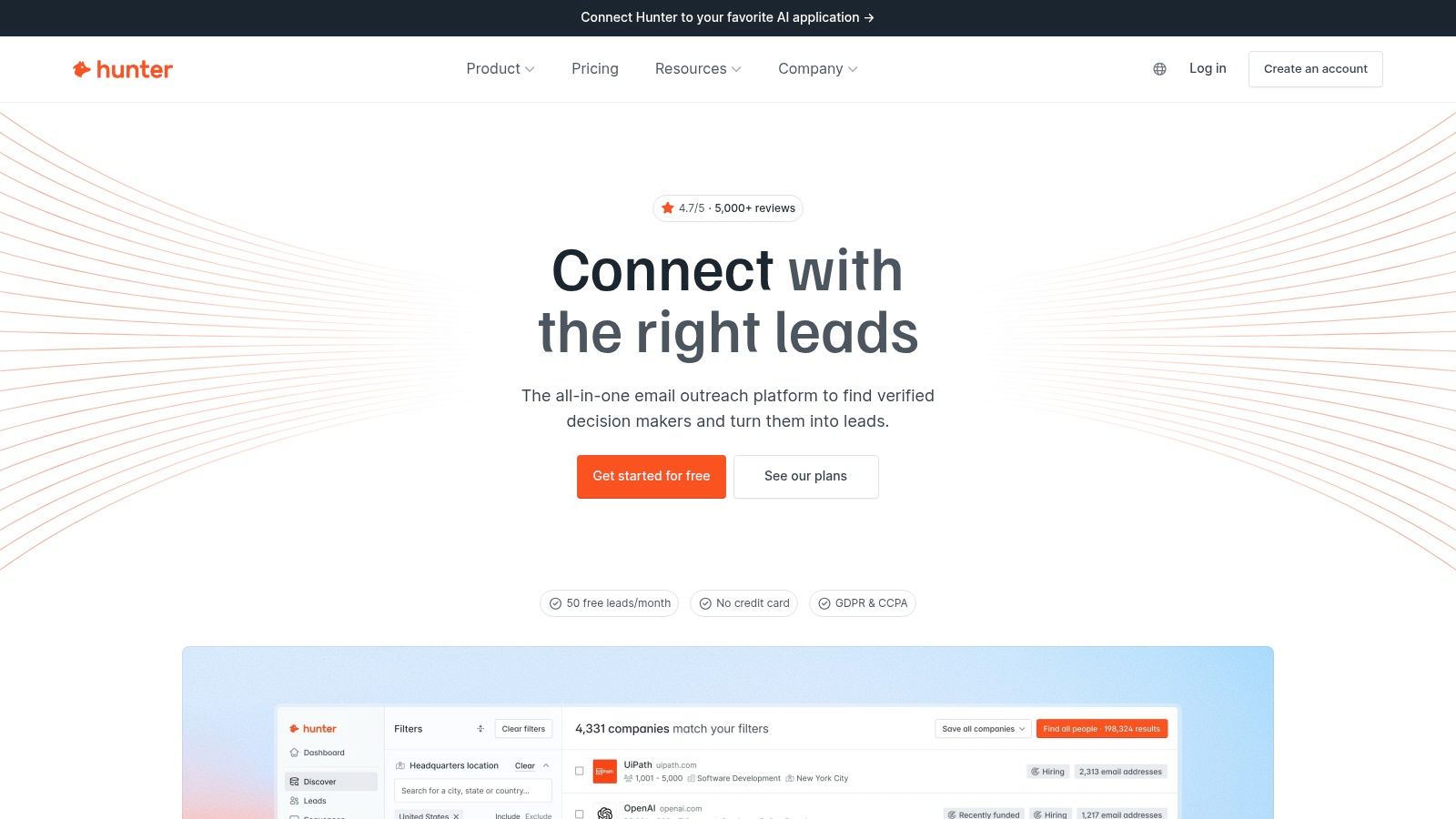
Hunter does one job narrowly: finding and verifying professional email addresses. Domain Search and Email Finder discover work addresses, Email Verifier checks them before outreach, and enrichment APIs cover email, company and combined lookups. Its lead enrichment workflow can fill missing fields without overwriting manually set ones, a small detail that protects data a team already trusts.
Verification deserves the emphasis Hunter gives it. Sending to invalid or poorly evidenced addresses damages deliverability, and the thresholds are unforgiving. Google's sender guidance says senders should keep user-reported spam rates below 0.1% and prevent them reaching 0.3%, as set out in Google's email sender guidelines. Weak targeting and stale contacts push complaint rates up, so verified, relevant records are a deliverability control, not just a data preference. H2's email verification category covers adjacent options for that step.
The limits follow from the focus. Hunter is specialised in email rather than phone or intent data. Credit structures differ between its Data Platform and all-in-one plans, which needs checking before purchase. A free tier supports initial testing.
A verified email proves an address exists. It doesn't prove the person is a suitable buyer, and treating the two as the same thing is how bounce-safe lists still produce no pipeline.
8. HubSpot Breeze Intelligence
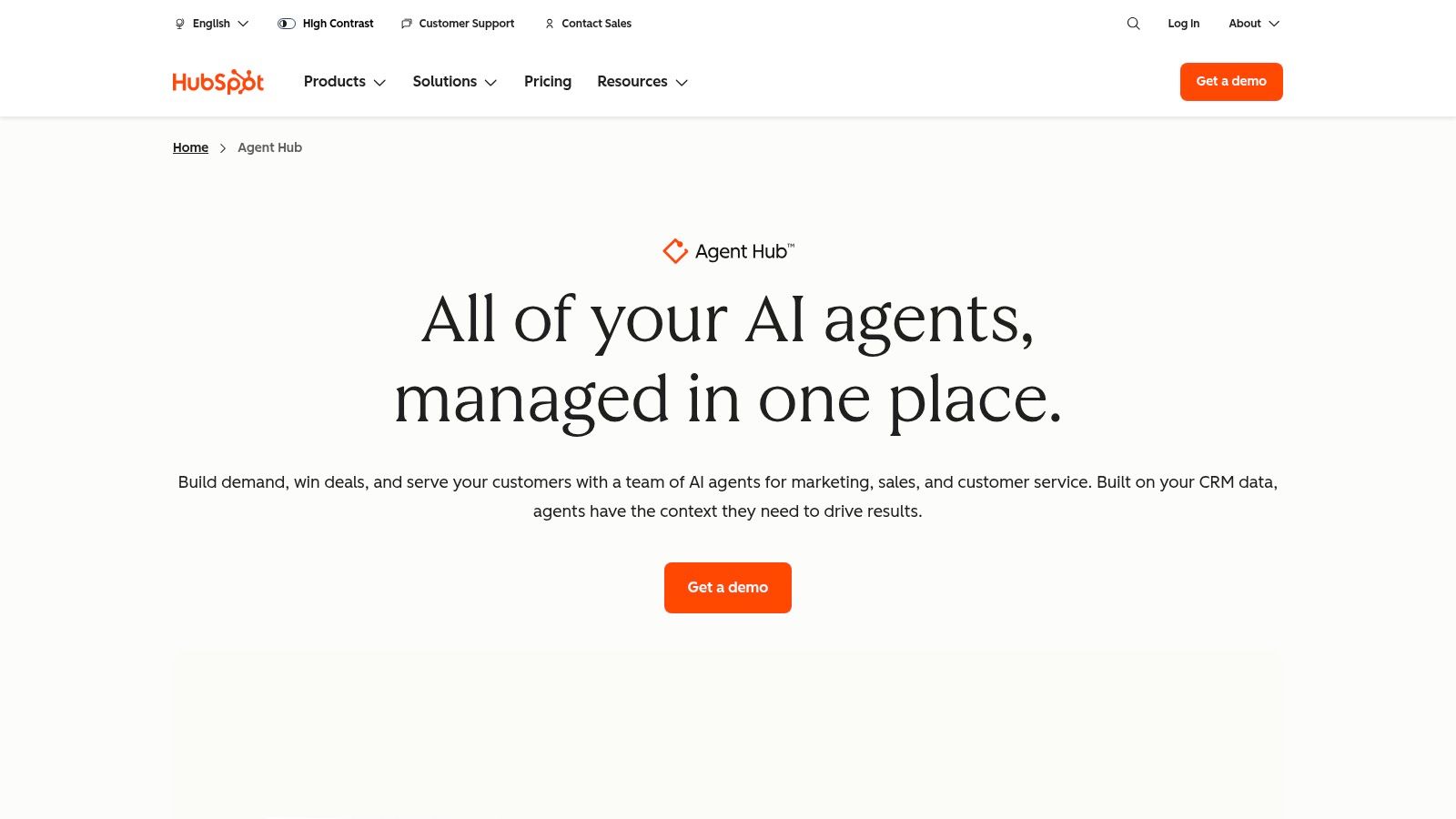
HubSpot Breeze Intelligence is the enrichment option for teams already running HubSpot as their CRM. It adds contact and company attributes directly to records, with manual, automatic and bulk enrichment, plus controls over when records get enriched or refreshed. No CSV exports, no separate platform, no sync to babysit.
That native placement suits record maintenance for segmentation, routing and reporting. If a lead arrives with only an email address, Breeze can fill the firmographic gaps that determine which team owns it and how quickly it gets worked. Trust in CRM data is low enough to make that valuable. In 2024, only 35% of surveyed sales professionals completely trusted the accuracy of their organisation's data, in a Salesforce survey of 5,500 sales professionals.
Restraint still applies. Under the European Commission's summary of GDPR principles, organisations should process only the personal data necessary for the stated purpose and correct or delete inaccurate data without delay. Automatic enrichment should therefore follow field-level rules, not append everything available.
Access and credit requirements depend on the account and product setup, and the available data may not cover every field a team wants. For non-HubSpot teams, it's not an option.
9. ZoomInfo Enrich
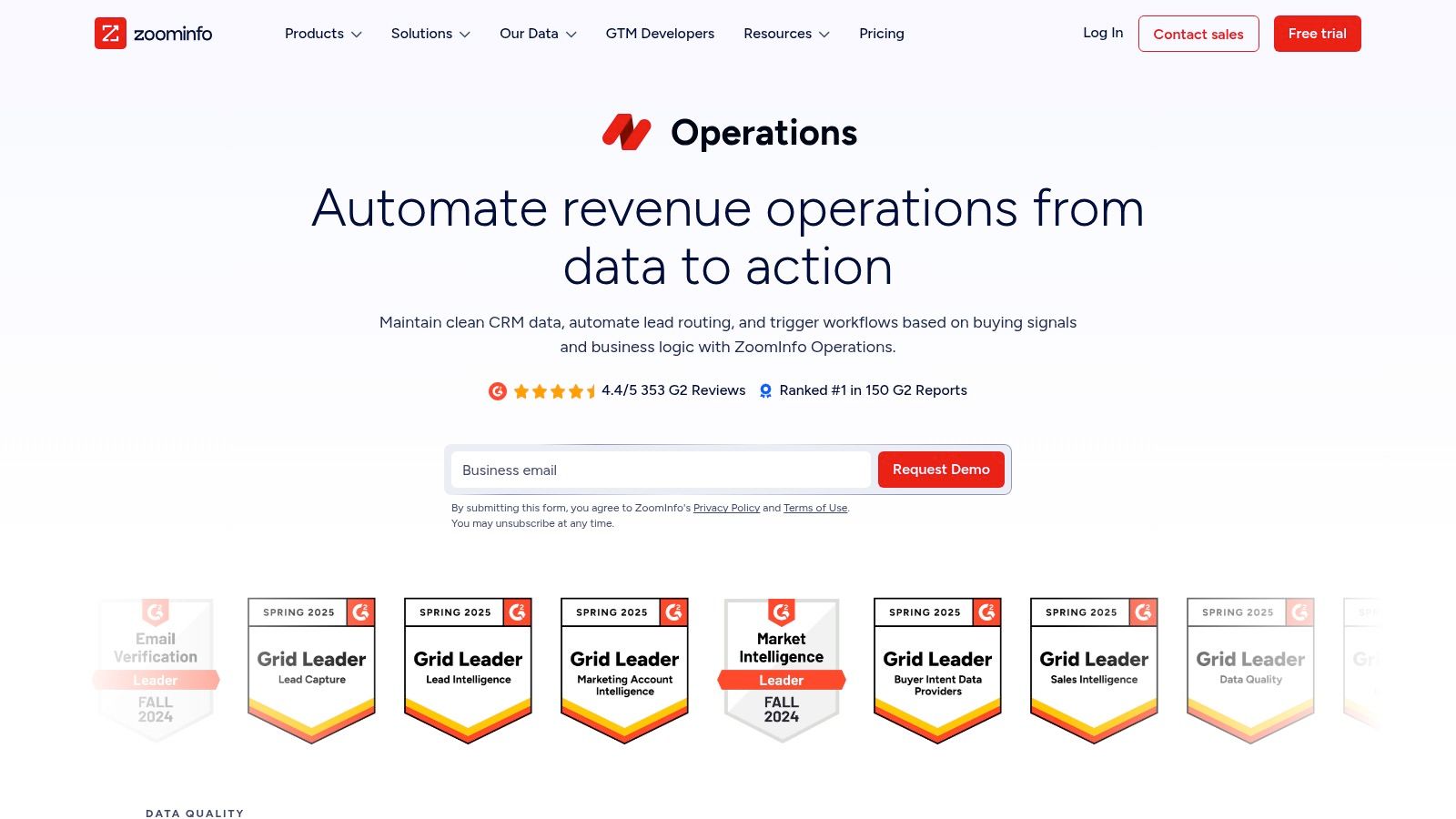
ZoomInfo Enrich is built for organisations maintaining CRM or marketing automation data at scale. It supports real-time and bulk enrichment, on-demand and scheduled jobs, and enrichment across company, contact and lead records. The Premium offering adds data management capabilities including deduplication, standardisation and configurable multi-vendor enrichment.
That operational depth suits large databases where the problem isn't finding one contact, it's keeping hundreds of thousands of records consistent. Rules-based configuration lets operations teams decide which vendor wins when sources disagree, and APIs and webhooks support custom workflows. Readers weighing it against smaller tools may also find SignalVan's take on ZoomInfo alternatives useful context.
Suppression handling belongs in the same conversation at this scale. For US commercial email, the FTC's CAN-SPAM compliance guide requires opt-out requests to be honoured within 10 business days, with the opt-out method functional for at least 30 days after sending. That means suppression status has to be stored centrally and checked before every send, including after re-imports. Deduplication and central suppression lists aren't administrative extras. They're compliance controls.
Pricing isn't published and requires a sales discussion. For a small team doing occasional cleanup, this is likely more platform than needed. Contract scope, data rights, integrations and usage limits should be clarified before signing.
10. FullEnrich
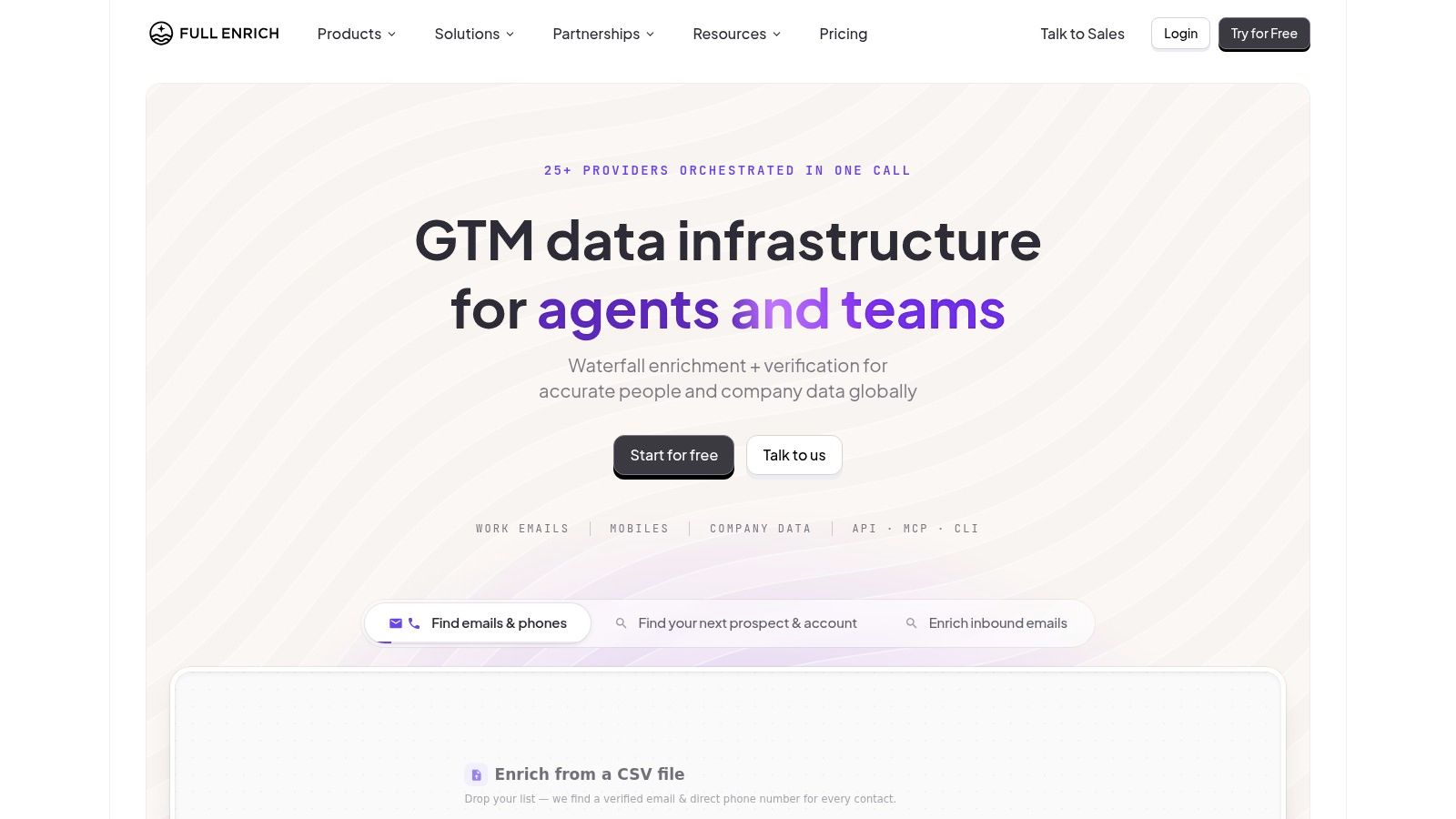
FullEnrich is a managed waterfall service for work emails, personal emails and mobile numbers. It runs lookups through multiple sources in one workflow, so teams that already have a list can fill contact gaps without connecting and maintaining each provider themselves. Verification, API access and CRM integrations are included, along with an MCP server for compatible AI agent workflows.
The contrast with Clay is instructive. Both use waterfalls, but FullEnrich manages the provider sequence while Clay hands that control to the team. Managed is faster to start and simpler to run. Custom gives more control over order, cost and fallback logic when providers return conflicting titles or employment status.
- Strength: One workflow tries multiple sources without separate provider contracts.
- Strength: The published credit model charges for found data, which makes cost per record easier to estimate.
- Strength: Unlimited users are included rather than charging per seat.
- Limit: Less control over provider order than a custom-built waterfall.
- Limit: The focus is contact enrichment, not prospecting, CRM management or engagement.
Vendor-published find rates shouldn't be treated as guarantees for a specific market. Niche industries and smaller geographies usually perform below headline figures. A test file from the target list settles the question faster than any comparison page.
How the Data Enrichment Tools Differ on Pricing, Free Options and Best Use
| Item | Pricing model | Free option | Best for |
|---|---|---|---|
| Category - Data Enrichment | No package or pricing details specified | Not specified | Teams improving account research, qualification, and enrichment workflows |
| Clay | Usage-based actions and data credits; paid tiers include integrations and CRM syncing | Free plan for small workflow tests | Teams building custom enrichment and account-qualification workflows |
| Apollo | Published pricing with credit-based enrichment | Free plan available | B2B teams combining prospecting, enrichment, and sales engagement |
| Cognism | Quote-based; sales conversation required | Not specified | Teams prioritizing mobile data and UK or European prospecting |
| Lusha | Self-serve tiers with credit-based usage | Free tier available | Teams seeking straightforward contact lookup and list enrichment |
| People Data Labs | Public self-serve, usage-based pricing; credits generally charged for successful matches | Limited free plan; excludes contact data and premium fields | Developers and operations teams enriching data through APIs |
| Hunter | Plans use credits; structures vary by product | Free tier available | Teams focused on professional email discovery and verification |
| HubSpot Breeze Intelligence | HubSpot credits; access and requirements depend on account setup | Not specified | Existing HubSpot users maintaining enriched CRM records |
| ZoomInfo Enrich | Quote-based; sales discussion required | Not specified | Organisations managing CRM and marketing data at scale |
| FullEnrich | Published credit model; charges for found data | Not specified | Teams filling contact-data gaps through multi-source enrichment |
Test Before You Commit to a Data Enrichment Stack
Shortlist two or three tools for the job, then run each against the same sample of 200 to 500 records from your CRM. Use company domains to distinguish businesses with similar names. Include records where you already know the correct answer, alongside a mix of geographies, seniority levels and industries. A single overall match rate can hide poor coverage in the segments you need.
Measure each stage separately. Track how often a tool returns a value, how many returned contacts pass verification, and how many duplicates it creates. Record field-level completeness and credit cost per usable record, too. A lower match rate can still be preferable if the verified results are cleaner. Before committing to volume, send a small controlled batch and monitor its bounce rate.
Count useful records, not appended fields. In a 2025 survey of more than 200 senior marketing operations and demand generation professionals, approximately 75% believed at least 10% of their lead data was inaccurate, outdated or non-compliant, and 55% considered their current cleansing and enrichment tools inadequate. Score records for identity accuracy, freshness, evidence quality and usefulness in a sales decision.
What Good Enough Looks Like
- Define fields by decision: Keep fields that change qualification, routing or whom you contact. Extra attributes add work to maintain and manage.
- Set a stopping rule: Stop the enrichment waterfall at the first verified result to control credit spend.
- Log source and date: Record where each field came from and when it was checked. Set a process for refreshing or deleting it.
- Separate weak signals: A technology match or job vacancy can prompt research, but neither proves budget or intent. Keep these records in a review queue rather than a send list.
- Check suppression before sending: Apply opt-outs across every campaign and system, not only the one that received the request.
For custom research, routing or CRM handover, H2's custom GTM system builds page explains how those projects are scoped. Its fully managed outbound service covers running the programme. A short introductory call can help clarify your market, current data quality and which tools to shortlist.
H2 builds managed outbound programmes and custom GTM systems that combine enrichment, verification and qualification in a documented workflow. That can suit teams weighing a tool purchase against a system built around their process. Explore the options and book a short introductory call through H2.
